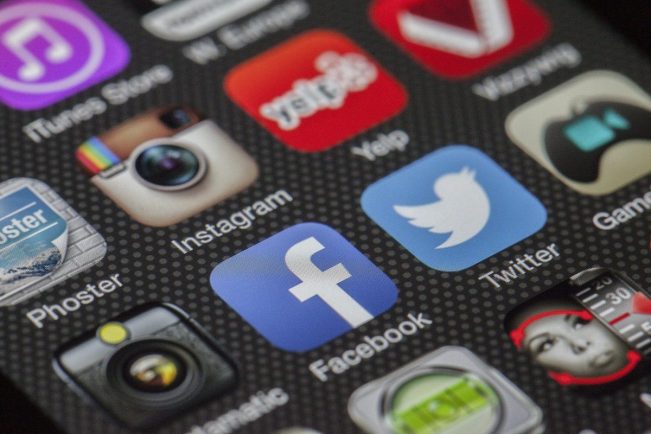
Apps have become an integral part of everyday life with many people using smartphones, tablets and digital watches. These give you direct access to your favourite brands, games and so much more, but understanding them can be difficult.
If you want to learn more about what they are and do, we can help. Our guide should give you the knowledge needed to utilise apps fully.
What is an app?
Short for application, this is a piece of software downloaded to an electronic device such as a smartphone.
Many come pre-installed with handy apps like messages, email, calculator and so much more ready to be used. The pre-installed ones are sometimes created by the manufacturer themselves.
There are plenty of others to be manually installed whenever you need them as well. These can be anything from games to shopping brands and streaming services.
How do I get them?
The process of getting them is similar whether you own an Apple or Android product. Typically your journey will look like this:
- Connect to Wi-Fi or ensure you have cellular network access
- Open the IOS App Store or Google Play Store
- Browse the menus or use the search function to find the one you want
- Press ‘Get’ or ‘Download’
- Enter your password or double-click the lock button to confirm the download
- Find it on your home screen
- Tap on it to open and start using it
What are the different genres available?
With over 500 options in Apple’s store alone, there’s something for everyone available.
Fitness – Track fitness achievements, count calories or view gym memberships.
Gaming – Entertain yourself with a bingo app or play a puzzle game depending on your preference. This is an easy way to stay entertained while commuting to work or relaxing on the sofa.
News – Read breaking stories using your trusted news providers. You’ll be able to find options for general stories, sports, weather and more.
E-commerce – Shop your favourite brands for new clothes or find hidden gems on second-hand marketplaces. Your payment methods can be stored on your digital wallet, making checking out quicker.
Household bills – Manage your phone, water, energy and many other bills. You can browse your statements and make payments in just a few clicks.
Social media – Interact with others on social media using messaging, video calling and photo-sharing platforms.
Streaming services – Watch your favourite movies or shows on the go. Your profile syncs with TVs or consoles, so you can pick up where you left off on your handheld device.
Banking – Send and receive money using secure applications. These let you stay in control of your finances so you can see your spending habits and scheduled outgoings.
Written by Sam Walsh